Feature Adoption Software Compared Across Behavioral Signal Depth and Activation Reach
Tools differ in how deeply they read user behavior and what actions they take on that reading.
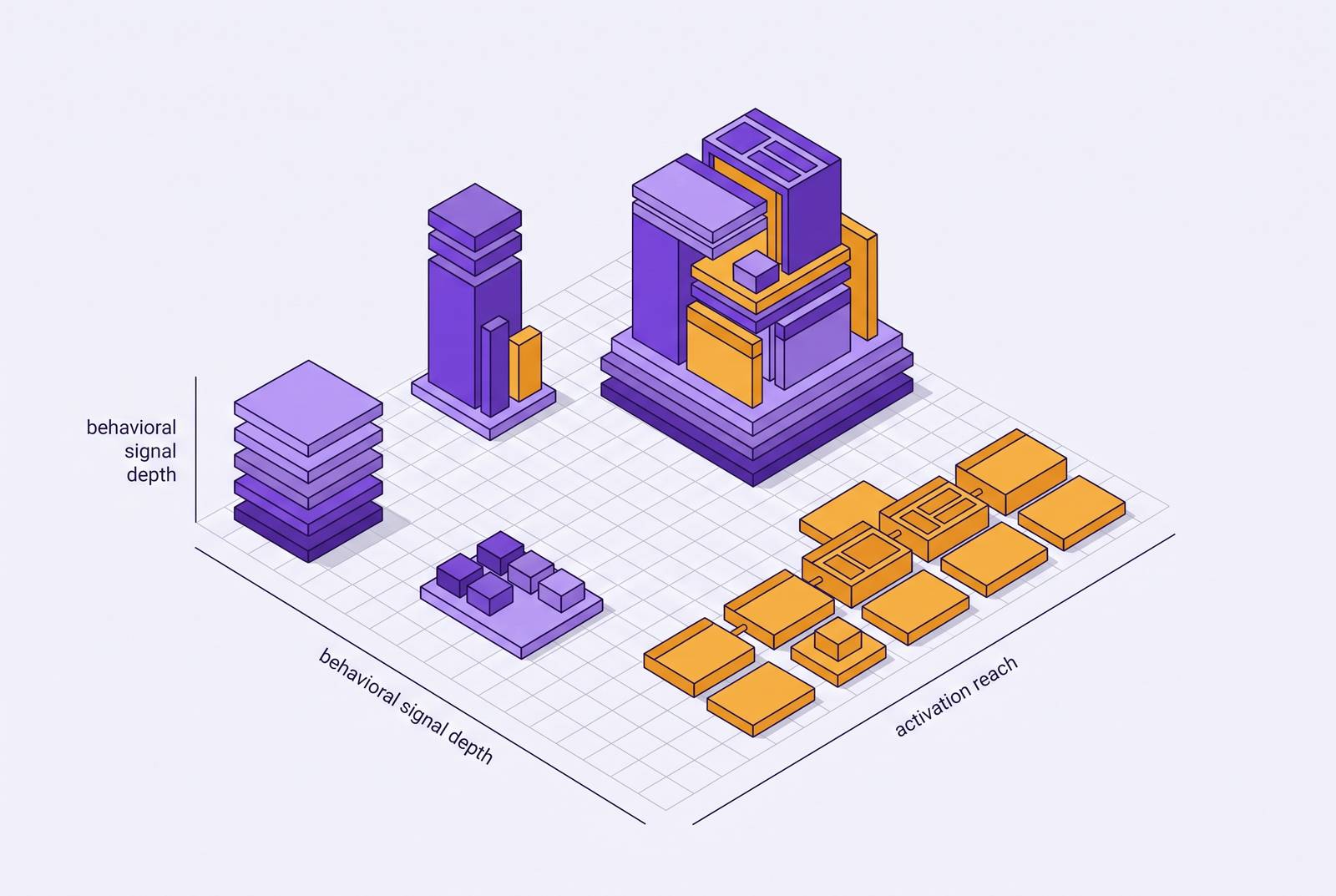
Feature adoption software covers three different jobs: in-app tour builders, analytics dashboards, and tools that take action on behavioral data. The two things that separate them are how deeply a tool reads user behavior and what it can do once it reads it. This piece maps the category along both lines so B2B SaaS growth and product teams can pick a tool that matches the activation problem they actually have, not the one the marketing page assumes they have.
Why feature adoption software is not a single category
Search for "feature adoption software" and the results blend three kinds of products that have little in common beyond the label. One group builds in-app tours, tooltips, and onboarding checklists, surface-level overlays that sit on top of a product. A second group builds analytics dashboards and health scores, and these tools just report what users did. A third group acts on behavioral signals directly and delivers specific next steps.
Vendor marketing treats these as interchangeable, and that's a problem for anyone trying to buy the right one. A buyer comparing them on price or feature checklist ends up comparing a tour builder to a dashboard to a behavioral agent as if they did the same job, but they don't. The practical question a team needs to answer before it signs a contract is simpler than any feature list: which dimension of difference actually matters for the activation problem in front of them?
The two dimensions that differentiate these tools: signal depth and activation reach
Whether a feature adoption tool can handle a real activation problem depends on two things: how richly it reads what a user has done, and what it does with that reading.
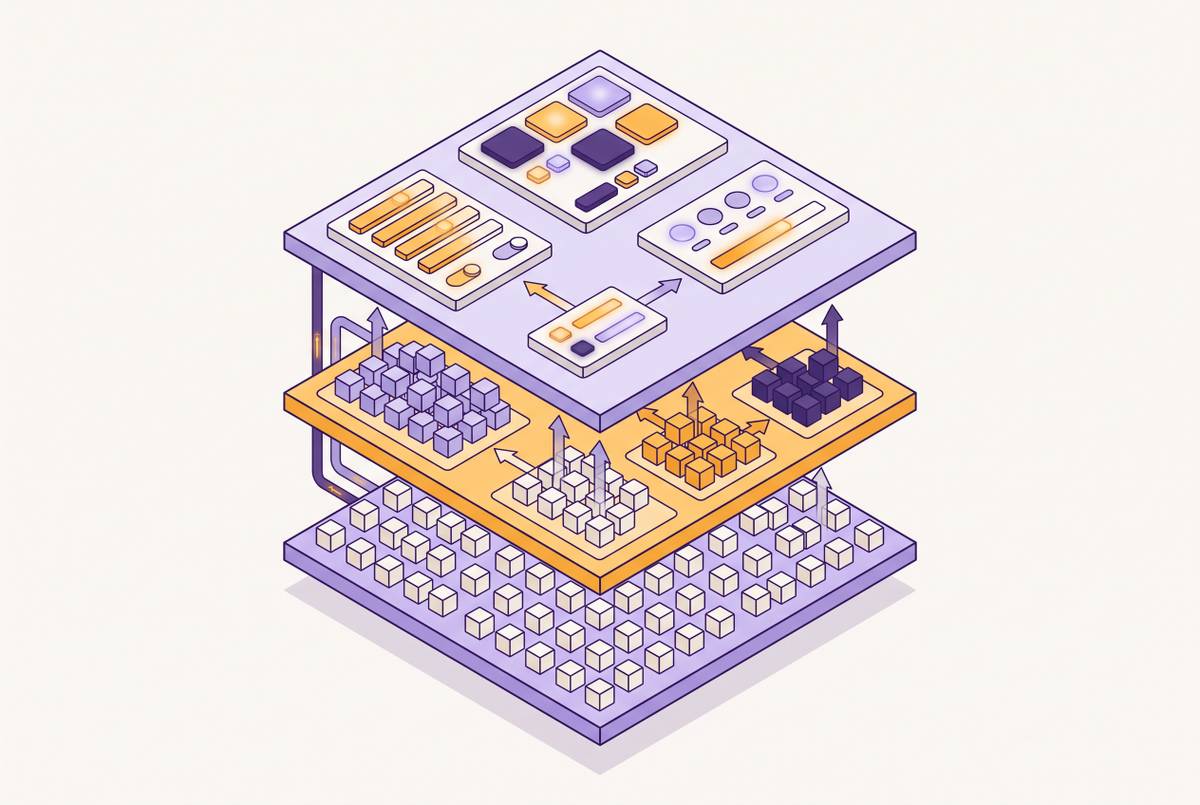
Call the first one signal depth. A tool with deep signal depth goes further still: it combines a user's current state, plan tier, role, configuration, with their behavioral history, and reads the gap between what should be happening for that person and what is actually happening.
Call the second one activation reach. A tool with descriptive reach stops at a chart or a score and leaves a human to decide what to do with it. If a tool has prescriptive reach, it hands the user a specific next action, grounded in their own data, without waiting for a person to read a dashboard first.
Most tools on the market are strong on one axis and weak on the other. Matching a tool to a real problem means knowing where it sits on both axes, not just one.
Why descriptive tools leave the activation gap open
Most of the tools sold as feature adoption software stop at description. They produce a health score, a usage chart, or a report, then hand it to a person who has to notice it, interpret it, and decide what to do. That handoff is where most activation work dies: the signal exists, but nothing happens unless a human finds the time to act on it.
A click-count report treats a user who tried a feature once out of curiosity the same as one who built it into their weekly workflow. Feature trial is a single interaction driven by discovery. Feature adoption is different: the user repeats the use, builds it into a workflow, and actually gets value from it. A dashboard that only counts clicks treats both the same way.
The gap goes deeper than the tool's reporting. A descriptive tool gives the numbers behind each of these patterns but can't tell you which one you're looking at, and it definitely can't act on the distinction. A tool built for prescriptive reach does the opposite: it reads the same signal, decides what it means for that specific person, and delivers the next step without waiting on a human to close the loop.
Defining an activation event precisely enough to measure and act on
Get the measurement right before you compare tools, because no amount of signal depth helps if the thing being measured is vague. "Completed onboarding" Completed onboarding" is a checklist item standing in for an activation event, and checklist items can't be measured or acted on with any precision.
A useful activation event names a specific, observable action: a workspace that sent 2,000 messages in Slack, a user who created and shared one project plan, a ticket closed using an AI agent.
A well-specified activation event has to answer three questions. Which action, exactly, not a category of actions but one observable event? In which window, first session, first 7 days, first 14 days? Leaving ineligible users in the denominator isn't a small error. If you calculate a rate against the wrong population, you point a team toward the wrong fix.
Canva's own adoption funnel shows why this discipline matters. The drop appeared later, from activation to repeat use, a weakness that became visible once each stage was measured on its own, separate from a single "activation" number. If you collapse those stages into one metric, the real problem disappears from view.
Signal depth: where tools differ in how they read behavioral signals
Signal depth runs from simple click capture at one end to a full combination of product events and account state at the other, and where a tool sits on that range determines what it can tell a team before any action gets taken.
Guidance-first tools sit at the shallow end. They read whether someone engaged with a guide or finished a tour, but they have no view of where friction existed before that guide was ever built. Their trigger logic tends to be static: if a user hasn't completed step 3 after a set number of days, send an email. That's useful when the problem is pure discoverability and the fix is always more in-app guidance, but it can't explain why a user stalled.
Session and funnel analytics tools sit in the middle. Fullstory, which launched Guides and Surveys in early 2026, is built around this idea: behavioral session data comes first, and guidance design is built on top of it, rather than guidance getting built first and hoping it addresses the right friction.
Deep signal depth tools go further by combining a user's current account state, plan tier, role, configuration, with their behavior over time. Userlens operates at this end of the spectrum, combining database state with behavioral history over time.
A separate category exists for enterprise-scale digital adoption platforms. WalkMe reads behavior at the workflow level across an entire software estate with an agentless browser extension, so you get click-by-click data across every web application a company uses, including shadow IT, and you need no separate integration for each app. That fits an IT-led rollout of an ERP system to tens of thousands of employees, where you need to measure process compliance across applications, not feature adoption inside a single SaaS product.
Activation reach: where tools differ in what they do with the signal
Reading a signal well is only half the job. The gap between a useful tool and a merely informative one shows up in what a tool does with that signal.
The weakest form of reach is descriptive: a health score, an adoption dashboard, a feature click heatmap. These hand a chart to a person, who then has to notice it, interpret it, decide on an intervention, and execute it. Every one of those steps adds delay between the signal and the action, and that delay is workable only when a team has someone whose job is specifically to watch these signals and act on them, and when the volume of users is low enough that a human can keep up.
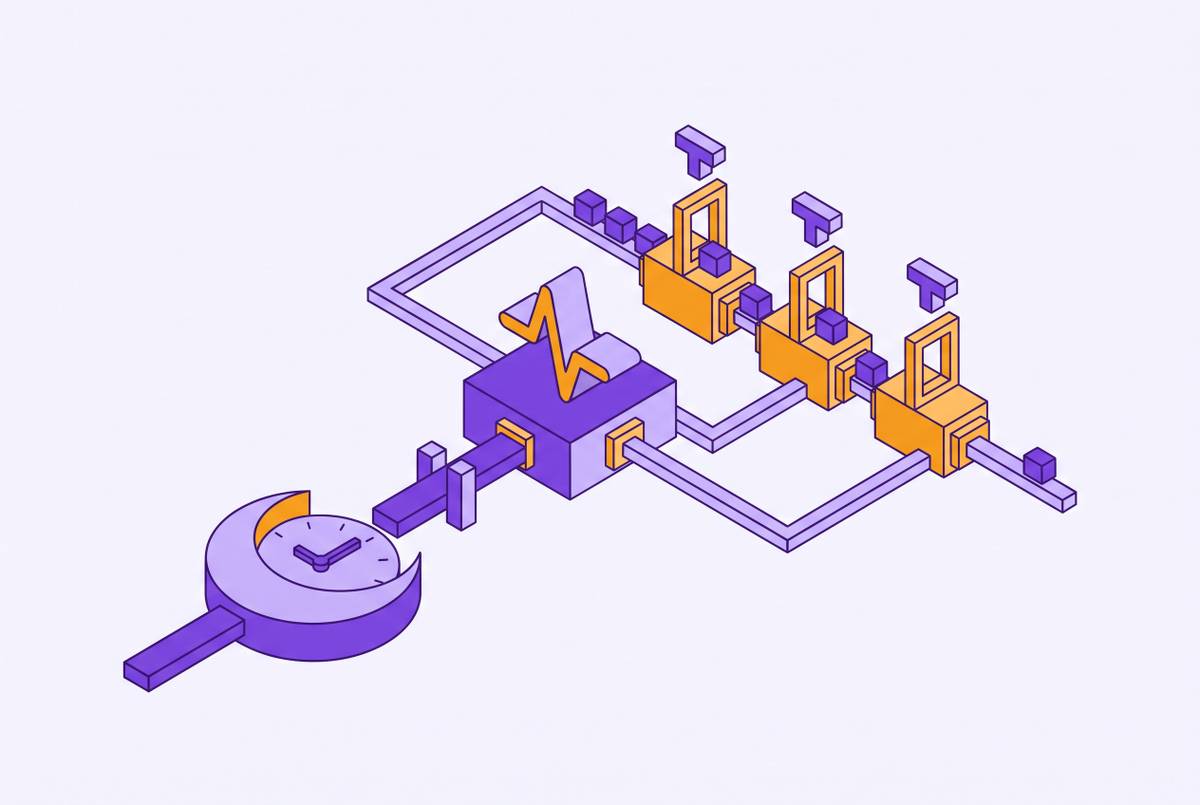
A step up from that is rule-triggered in-app guidance: a tour, tooltip, or checklist fires when a user crosses some defined threshold. Apty works at this level in a more targeted way than a blanket tour: it defines what the intended process looks like, detects where actual use deviates from it, and deploys guidance only where that gap appears, a real improvement on firing a tour at everyone regardless of where they actually struggle, even though the guidance itself is still rule-based rather than written for the individual.
Whatfix extends reach a different way: backward, into training before a user ever touches the live system. Whatfix Mirror lets users practice complex workflows in a simulated environment before they enter production, so it covers the adoption lifecycle from readiness through execution, and not just support after the fact. So it suits pre-go-live enterprise training, where you need people to be capable before they're turned loose on the real system.
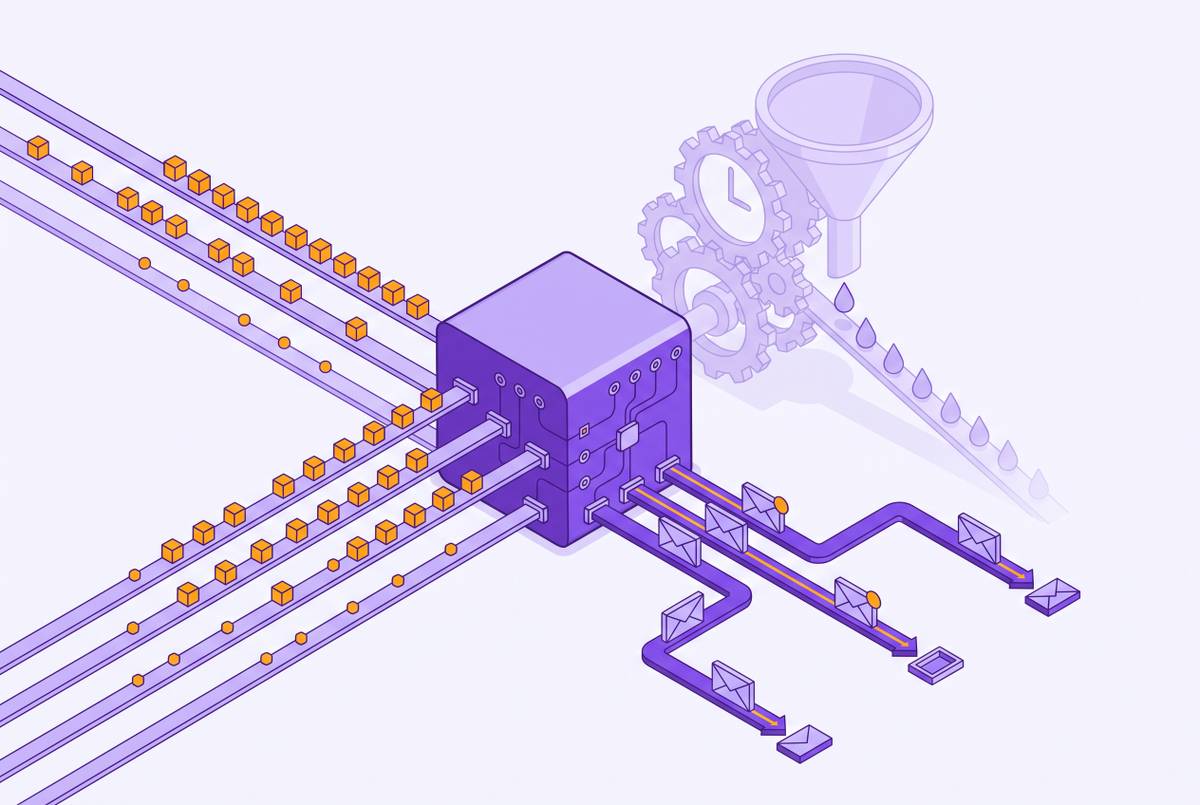
A further step is real-time behavioral response: a tool connects directly to product event streams and reacts immediately the moment a signal appears, a stalled onboarding step, a repeated failed attempt, inactivity mid-session. It also picks the channel, in-app, chat, email, push, based on context. That matters most when time-to-first-value is the thing a team is trying to move, and the problem is concentrated in the first session or the first week.
The deepest form of reach is prescriptive: a tool writes and sends an individual message grounded in one person's specific data, then checks whether that person's behavior in the product actually changed. This doesn't require a human to approve every single message. A human sets the campaign's goal, audience, guidance, and limits once, and the tool decides, person by person, whether the evidence justifies acting.
Comparing the tools across both dimensions
Placed against both axes, the tools split into clear positions, and the right position depends on the shape of the activation problem in front of the team.
Userlens, through its product Lumi, is at the deep end of signal depth. It reads current account state, plan, role, configuration, account attributes, alongside product behavior over time, and treats the gap between what should be happening for a given person and what is actually happening as the signal worth acting on. It needs no new instrumentation layer, it works from the database and analytics a team already has. That makes it a fit for B2B SaaS growth and PLG teams whose activation problem is individual and contextual, where the right move for one user genuinely differs from the right move for another user who has access to the same feature.
Fullstory is at medium-to-deep signal depth. Its reach is still rule-triggered rather than individually authored, but the diagnosis behind it is stronger than tools that skip straight to guidance. It fits teams that first need to understand where friction actually exists in the product, and once they know that, in-app guidance becomes the delivery mechanism.
WalkMe, owned by a large enterprise software vendor, reads behavior broadly across an entire software estate through an agentless browser extension that captures click-by-click data without per-app integration work, and it can surface shadow IT and unsanctioned AI tools along the way. Its reach is in-app guidance and process enforcement built for enterprise scale, with compliance and IT governance baked in. That makes it suited to large organizations rolling out an ERP or a wide software estate to tens of thousands of users under central IT control, rather than to individual-level adoption messaging inside one SaaS product.
Whatfix works at the workflow level within the applications it supports, and it has real strength in mapping out process. Its reach runs through Whatfix Mirror, letting users rehearse complex workflows safely before they touch the live system, alongside in-app guidance, self-service support, and content governance. It covers the adoption lifecycle from readiness through execution and ongoing optimization, so it suits organizations that need people trained and ready before go-live, not just supported afterward, particularly in compliance-heavy enterprise rollouts.
Matching a tool to your actual activation problem
The right tool is the one whose signal depth and reach match the shape of the actual problem, not the one with the most logos on its homepage.
Three questions place a team's problem on the map. And does the team have the headcount to act on a dashboard, or does the tool need to go from signal to action without a person in the loop?
The matches follow from there. When a PLG or growth motion has an individual activation problem, the intervention has to be grounded in a specific person's account data and usage history, and the measurement has to track whether behavior in the product actually changed, so a prescriptive adoption agent like Userlens fits.
The common objection to that last category is fair on its face: most B2B SaaS companies don't have the data maturity to use prescriptive tools responsibly. The campaign-approved model, where a human sets the goal, audience, guidance, and limits once and the tool decides per person from there, is the workable middle ground between a blanket broadcast to everyone and fully unsupervised automation.
Measuring whether a feature adoption tool is working
A feature adoption tool proves its worth through repeated, successful use of the feature among the users who are actually eligible for it, not through opens, clicks, guide completions, or a rising health score.
The trial-versus-adoption distinction has to be built into the measurement itself. If a tool reports only tour completion or guide engagement, it's measuring trial at best, and calling it adoption overstates what happened.
A before-and-after comparison on an eligible group, without any control group, shows correlation, not a cause. A team that holds its adoption tool to that standard, behavior change in the product, not engagement with a message, ends up making a better buying decision and a better implementation decision than one that stops at whether an email got opened.